
Home / Smart home / Best Budget Security Cameras Under AED 200
Smart home
Best Budget Security Cameras Under AED 200
Keep your home safe with these modest security cameras.
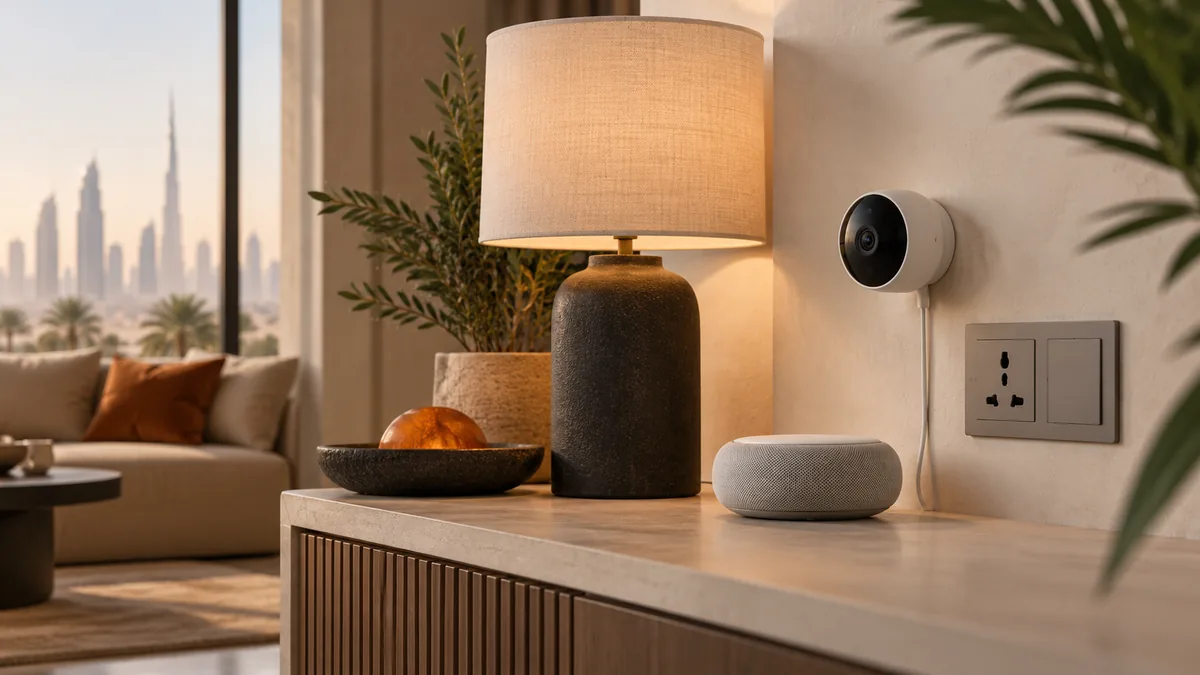
On this page
- Quick Comparison
- Quick Answer: Our Picks for Budget Security Cameras
- What Actually Matters in a Budget Security Camera
- Wyze Cam v3: Indoor/Outdoor Flexibility and the Subscription Catch
- Blink Mini: Built for One Simple Indoor Job
- Storage, Subscriptions, and Privacy Notes
- Final Verdict
- The picks
- Frequently asked questions
- Keep reading
Best Budget Security Cameras Under AED 200 only helps if the plug, the app, and the power standard match a UAE home. Confirm the companion app and any voice assistant are offered in the UAE, and that the services you care about are not region-locked. Links from the UAE open the Amazon.ae listing when the visitor is in the UAE. That is not a promise the model is in stock — open the listing and confirm delivery to your emirate before you count on it. The notes below compare Wyze Cam v3 and Blink Mini from manuals and widely published owner reports, not from a private lab.
Keep your home safe with these modest security cameras.
Security cameras are more modest than ever.
Quick Comparison
| — | Wyze Cam v3 | Blink Mini |
|---|---|---|
| Best for | Great price | Very small |
| Standout | Great price | Very small |
| Trade-off | Requires subscription for advanced features | Indoor only |
Quick Answer: Our Picks for Budget Security Cameras
The Wyze Cam v3 is our pick for most people shopping under AED 200, because it's the only camera in this pair that can go outside. It handles rain and temperature swings on a covered porch or under an eave, sees clearly in full darkness thanks to real infrared night vision rather than a marketing claim, and still lets you talk to whoever's at the door through two-way audio. The tradeoff is that the sharpest motion-detection features and longer video history sit behind an optional subscription, and you'll want to budget for a microSD card separately if you want local recording.
The Blink Mini is the pick for a single indoor room — a nursery, a front hallway, a spot near a side entry — where you just need eyes on the space and don't want to think about weatherproofing at all. It's small enough to disappear on a shelf, the setup is closer to plugging in a nightlight than installing a security system, and its motion detection is tuned well for a static indoor scene. It has no night vision worth relying on and it cannot go outdoors, full stop.
Put simply: if you need one camera to cover an entryway that's exposed to weather or darkness, get the Wyze. If you need a second or third camera for an indoor room and want the easiest possible setup, get the Blink Mini.
What Actually Matters in a Budget Security Camera
Image quality on paper means less than people expect. Both of these cameras advertise 1080p, but what actually determines whether you can identify a face or read a license plate is the sensor's low-light performance and how aggressively the camera compresses video before it uploads. A camera that looks sharp in a bright living room can turn to mush the moment the sun goes down, which is exactly the scenario a security camera exists for in the first place.
Placement and environment matter more than any single spec. An indoor-only camera pointed at a window will fight glare all day and struggle at night, while an outdoor-rated camera mounted under an overhang will outperform its own spec sheet because it's shielded from direct rain and glare. Before comparing megapixels, figure out whether the spot you're covering is indoors, outdoors, exposed to weather, or lit only by a porch light at 2 a.m. — that answer narrows the choice faster than any review can.
The other quiet factor is the ongoing cost structure. A camera that's inexpensive to buy but requires a subscription to unlock person-detection, longer clip storage, or even basic notifications can end up costing more over two or three years than a slightly pricier camera with those features built in. Always check what's free versus what's gated before assuming the sticker price is the whole story.
Wyze Cam v3: Indoor/Outdoor Flexibility and the Subscription Catch
The Wyze Cam v3 earns its spot because it's genuinely dual-purpose — the same unit that watches your living room at night can be moved outside to cover a driveway or back gate, as long as it's plugged into power nearby. Its night vision is a real strength: the infrared performance holds up well enough to make out a person's build and clothing in near-total darkness, not just a vague moving blob. Two-way audio works both ways cleanly enough for quick exchanges with a delivery driver or a pet you're scolding from another room.
The catch is that Wyze's most useful smart-detection features — distinguishing a person from a passing car, or a package from a shadow — sit behind an optional cloud subscription, and local recording requires a microSD card that isn't included in the box. Neither cost is hidden, but both are easy to overlook if you're comparing sticker prices alone. Budget for the card up front if you want footage saved without a subscription.
That combination — genuine outdoor durability, strong night vision, and a low up-front cost with optional recurring fees — makes the Wyze Cam v3 the better all-around pick for anyone covering an entry point, a yard, or any spot where lighting and weather are unpredictable.
Blink Mini: Built for One Simple Indoor Job
The Blink Mini isn't trying to be a whole-home security system, and that focus is exactly why it works so well at what it does. Setup is about as close to zero-friction as this category gets — plug it in, pair it with the app, and it's watching within a couple of minutes, with no mounting hardware, no drilling, and no weatherproof housing to fuss over. Its motion detection is well-tuned for a fixed indoor scene like a hallway or a nursery, where the background doesn't change and false triggers from passing cars or blowing branches simply aren't a concern.
Its limitations are the direct flip side of that simplicity: there's no meaningful night vision, so a dark room at night will show little more than silhouettes, and it has no outdoor rating at all, so it needs to stay inside and away from humidity or temperature extremes. It's also a single-camera-at-a-time proposition in terms of placement — you're not going to relocate it outside later the way you could with the Wyze.
Where the Blink Mini shines is as an easy add-on: a second or third camera for a household that already has a primary outdoor camera covering the entrance, and just needs a low-fuss set of eyes on one specific indoor space.
Storage, Subscriptions, and Privacy Notes
Both cameras route video through the cloud by default, which is worth understanding before you mount either one near a bedroom or home office. Cloud storage is what makes the companion apps so easy to use — clips are ready to review from anywhere — but it also means footage is, by default, sitting on a company's servers rather than only in your home. Both brands let you review and delete stored clips, and it's worth doing a pass through each app's privacy settings during setup rather than after the fact.
Local storage is the more private alternative, and it's where the two cameras diverge most. The Wyze Cam v3 supports a microSD card for local recording, which avoids the cloud entirely for basic footage, though the smarter detection features still need the app and, in most cases, the subscription tier to fully unlock. The Blink Mini's local-storage options are more limited, and it leans more heavily on the subscription plan for clip history beyond live viewing.
The practical takeaway: decide up front whether you want to pay a small recurring fee for the smartest features and the longest clip history, or whether you're comfortable with basic motion alerts and manual card storage. Neither camera makes that decision for you, and both are worth setting up correctly on day one rather than discovering the gap the first time you actually need old footage.
Final Verdict
The Wyze Cam v3 is a steal at higher-tier while Blink Mini is perfect for indoor monitoring.
The picks
Wyze Cam v3
Indoor/outdoor, 1080p, night vision, and two-way audio.
Pros
- Great price
- Good image quality
- Works well in dark
Cons
- Requires subscription for advanced features
- MicroSD sold separately
Blink Mini
Compact indoor camera with motion detection and two-way audio.
Pros
- Very small
- Easy to set up
- Good motion detection
Cons
- Indoor only
- No night vision
Prefer devices that still do their basic job if a cloud service is withdrawn, and confirm the app is available in the UAE. A White Friday or Ramadan listing is worth a look, but only after the voltage and the plug are right.
Frequently asked questions
Can the Wyze Cam v3 or Blink Mini be used outside?
Only the Wyze Cam v3 is rated for outdoor use — it's built to handle rain and temperature swings when mounted under an eave or overhang with access to power. The Blink Mini is indoor-only; putting it outside risks moisture damage and voids its intended use case. If you need coverage for a porch, driveway, or backyard, the Wyze is the only option of the two.
Do these cameras require a subscription to work?
No, both cameras record basic motion clips and send notifications without a paid plan. What sits behind a subscription is the smarter stuff: longer clip history, richer person/vehicle detection, and in Wyze's case, some cloud-based features. The Wyze Cam v3 can also record locally to a microSD card (sold separately) to skip cloud storage for basic footage; the Blink Mini leans more on its subscription plan for extended history.
Which camera has better night vision?
The Wyze Cam v3, clearly. Its infrared night vision produces usable, identifiable footage in near-total darkness — good enough to make out a person's build and clothing, not just a moving shape. The Blink Mini has no meaningful night vision, so a dark room will show mostly silhouettes. If a spot you're monitoring goes dark at night, the Wyze is the safer choice.
Is a budget camera under AED 200 actually good enough for home security?
For a single entry point or one indoor room, yes — both cameras deliver clear daytime footage, reliable motion alerts, and two-way audio, which covers most everyday use cases like checking on deliveries or keeping an eye on a pet. Where budget cameras show their limits is in edge cases: very low light without infrared, extreme weather exposure, or needing several cameras to sync seamlessly across a large property. For a starter setup or a single room, either camera here is a legitimate pick, not just a compromise.
Keep reading
Guide
Smart Home Guides
Smart plugs, bulbs, security cameras, thermostats, and streaming devices — compared on reliability and everyday fit.
Smart home
Philips Hue vs Wyze Bulbs: Which Smart Lights Are Better?
Philips Hue and Wyze are the two biggest names in smart bulbs, but they target very different budgets. We compare their color quality, ecosystem, and trade-offs.
Smart home
Best Smart Plugs Under AED 120
modest smart plugs to automate your home.
Smart home
Best Smart Bulbs Under AED 200
Bright, color-changing smart bulbs for ordinary rooms.
As an Amazon Associate, TechGadgetSpot earns from qualifying purchases.